Demo
Merchant Admin Login (App Backend)
Section titled “Merchant Admin Login (App Backend)”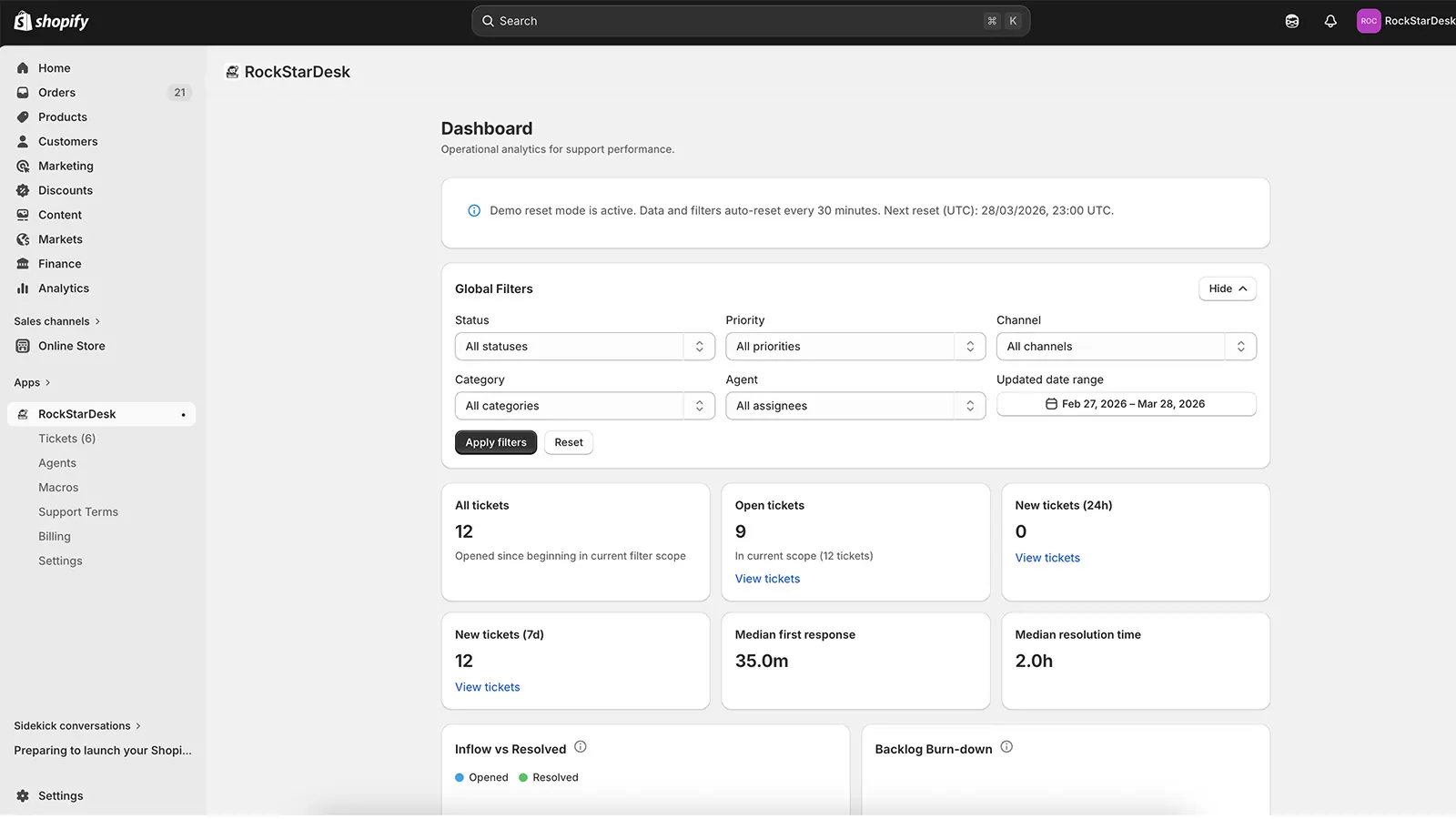
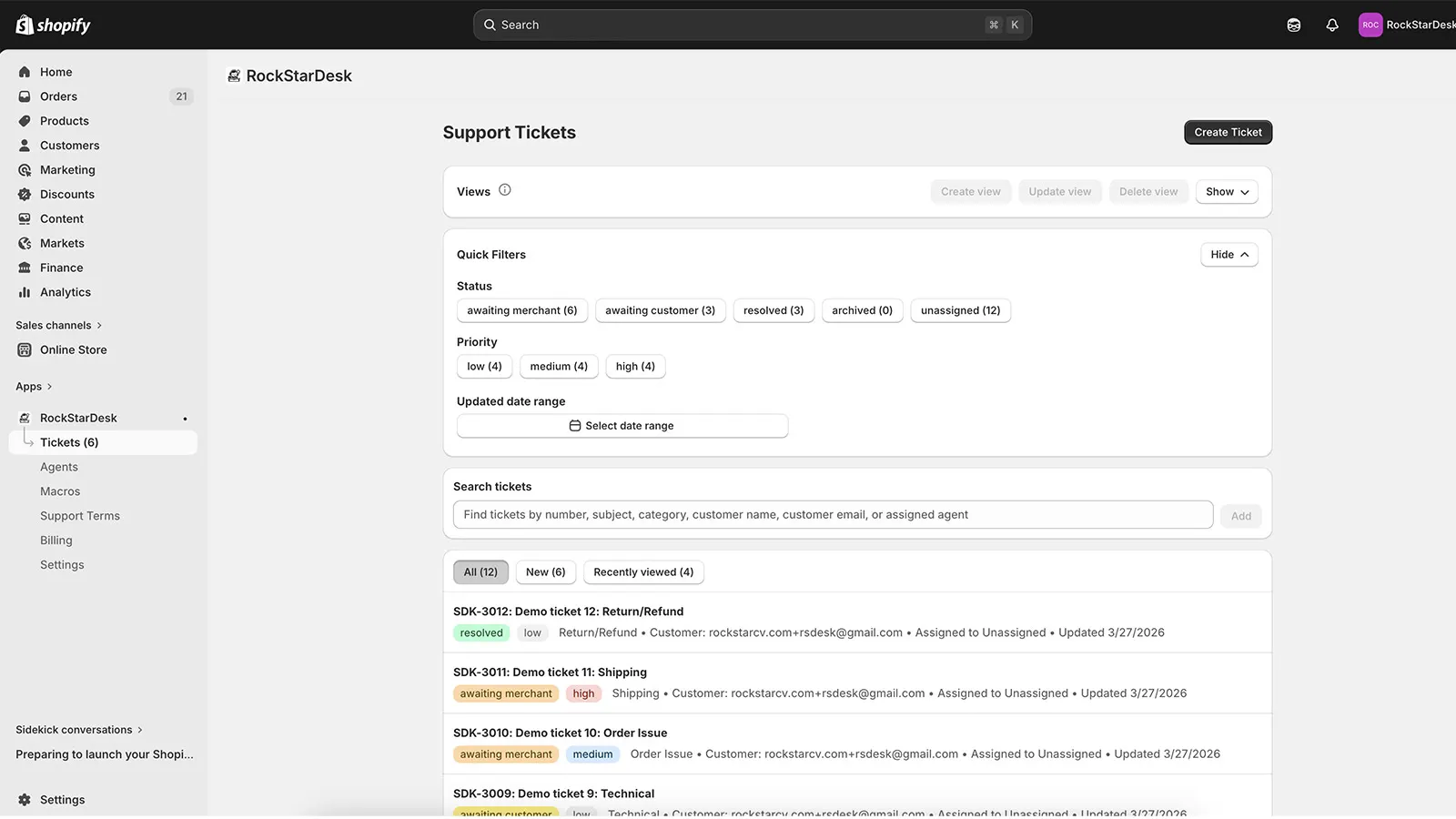
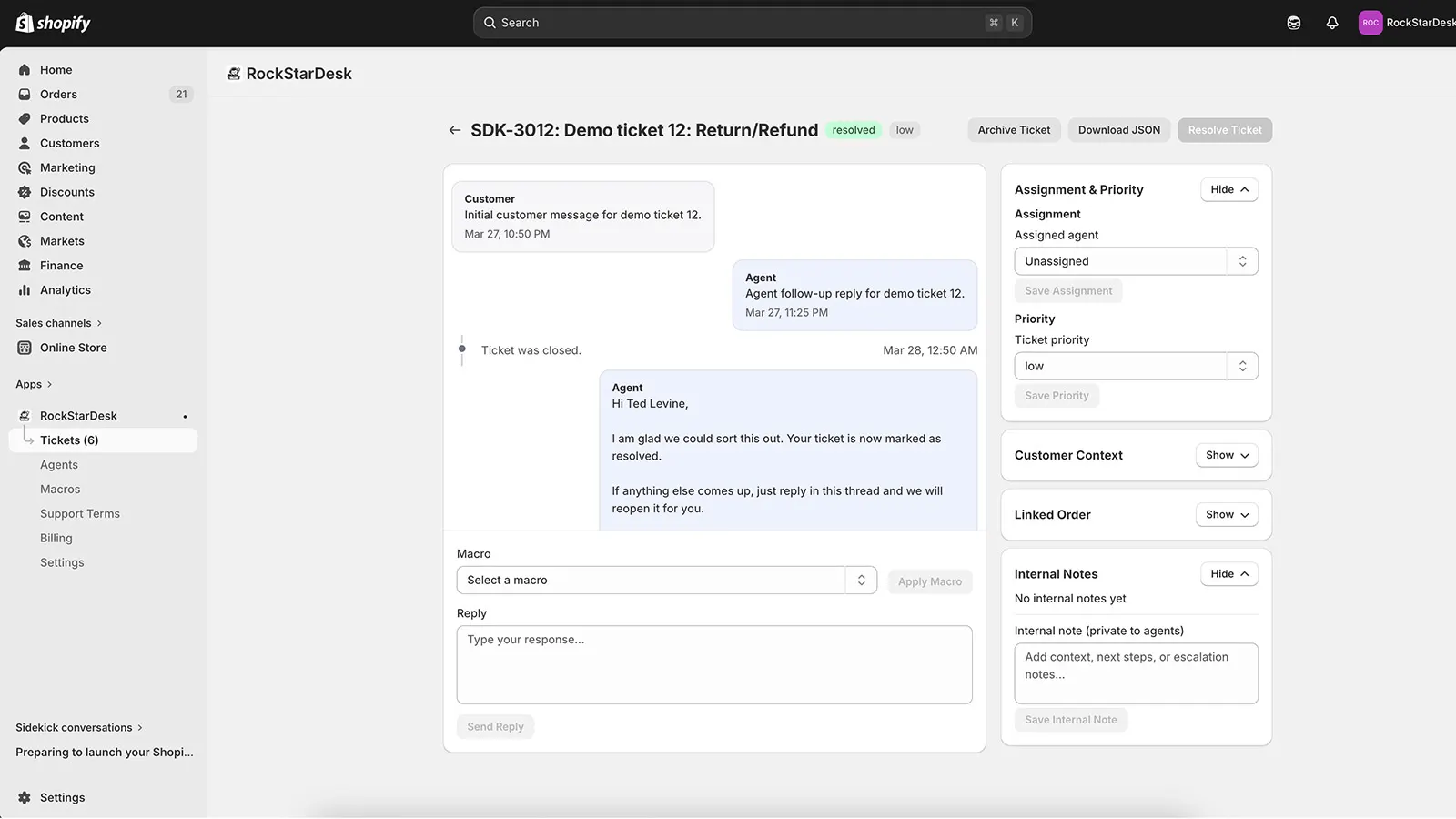
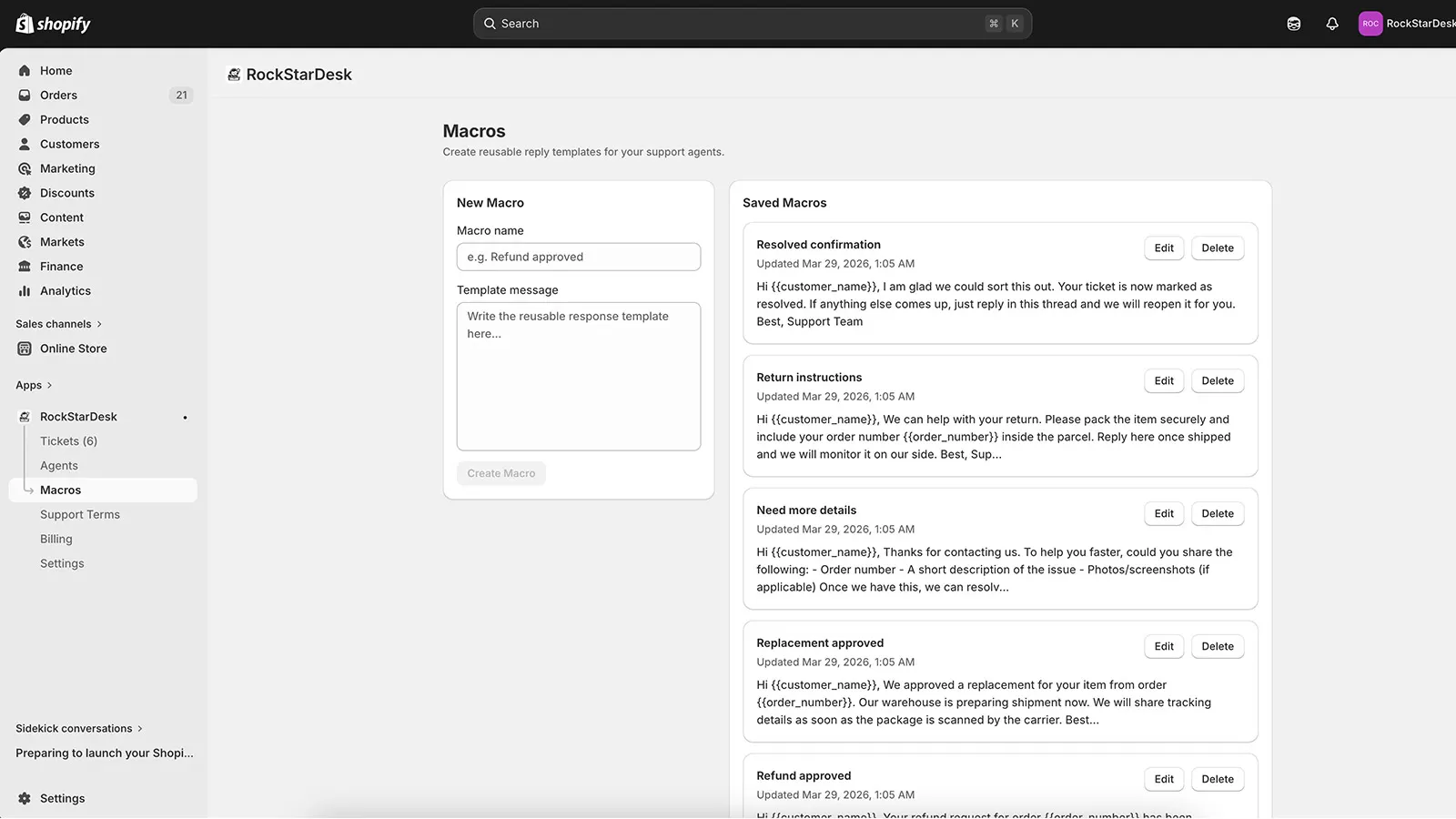
- Open the demo admin app URL: RockStarDesk admin app
- Sign in with the demo merchant/admin credentials provided by RockStar UI.
- In the left app navigation, open areas like Tickets, Agents, Macros, Billing, and Settings.
Customer Area (Where Store Customers Open Tickets)
Section titled “Customer Area (Where Store Customers Open Tickets)”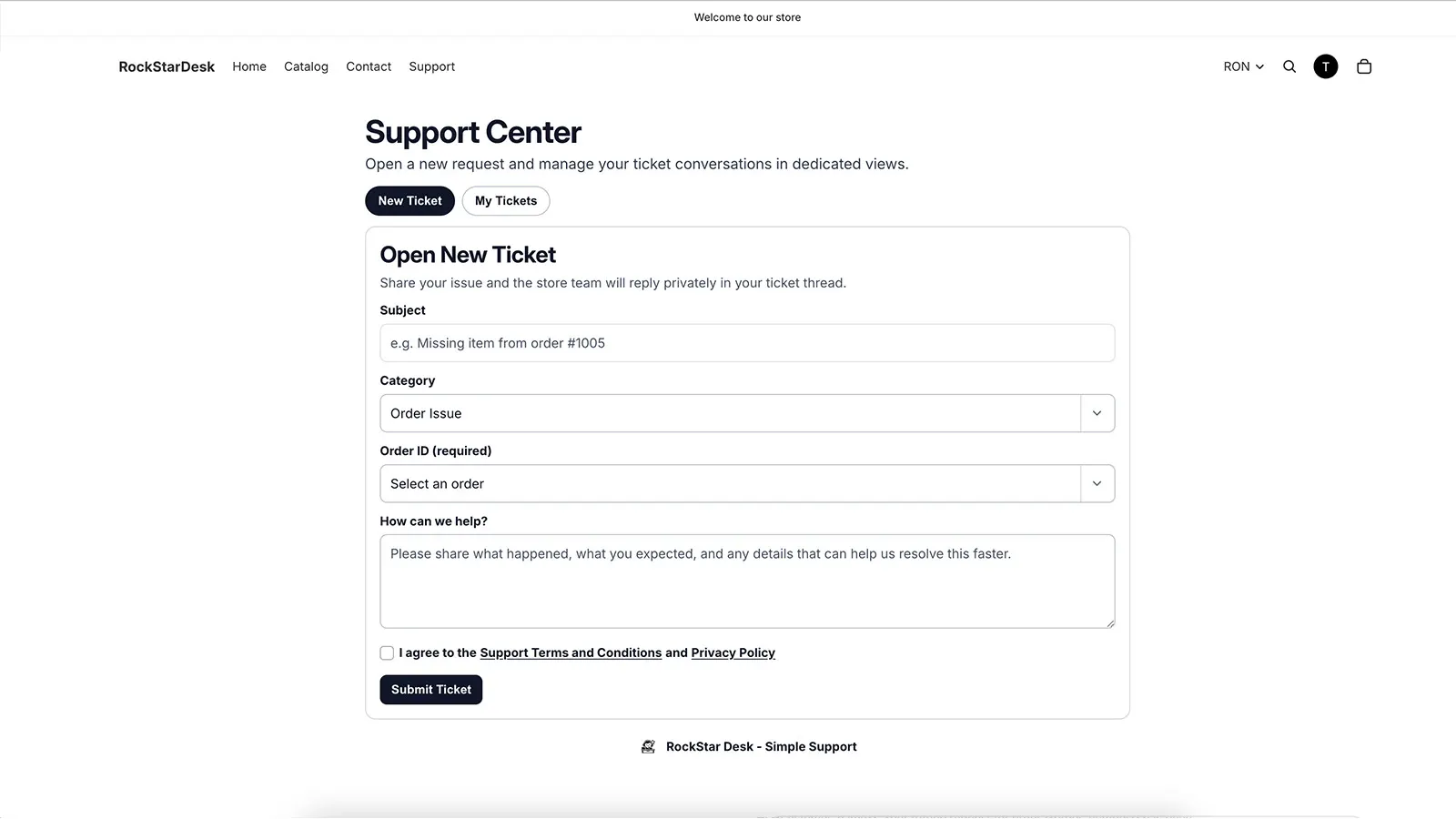
- Open the storefront support page: Support Center storefront
- Sign in as a storefront customer account (use the customer demo credentials provided for testing).
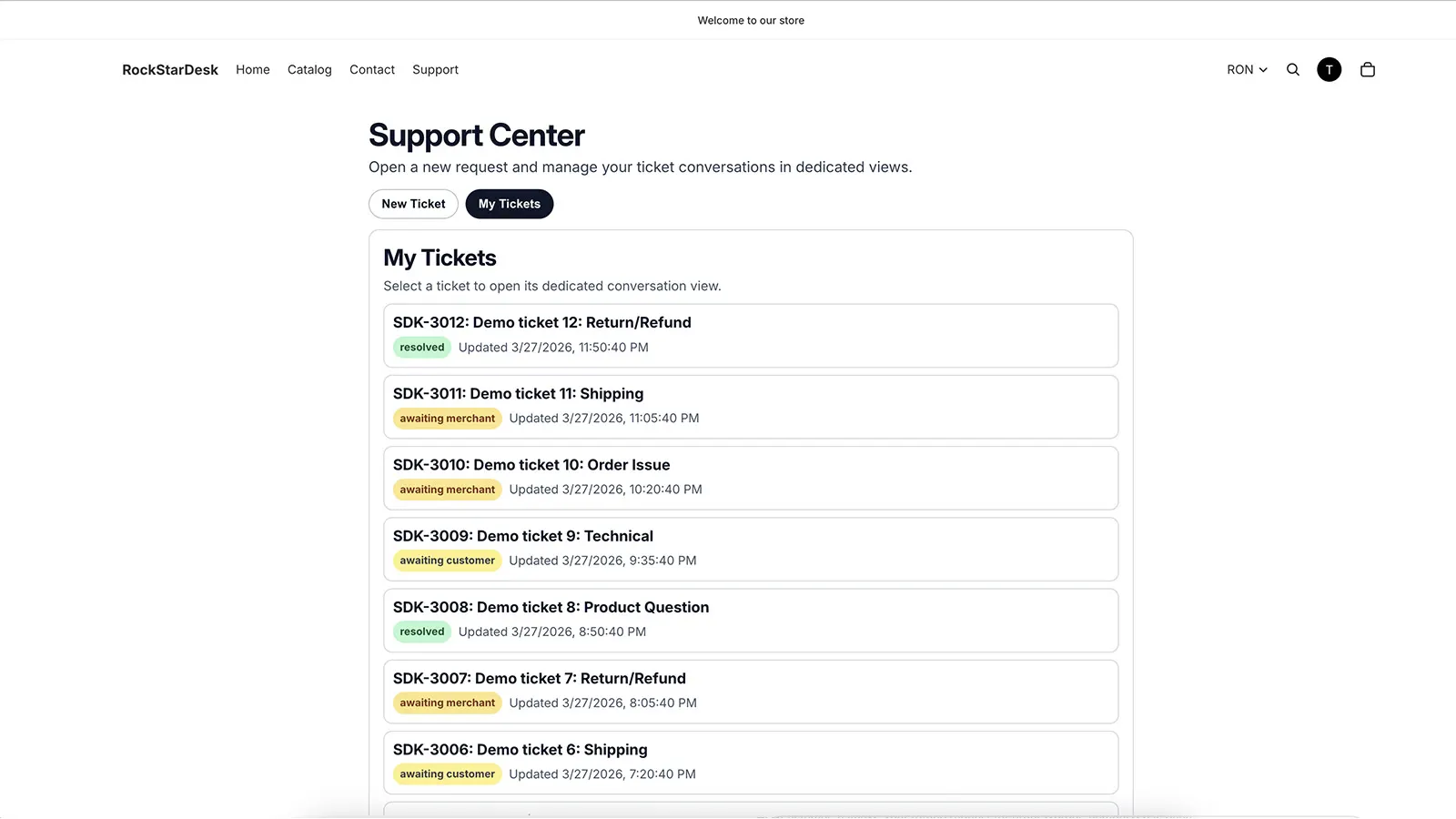
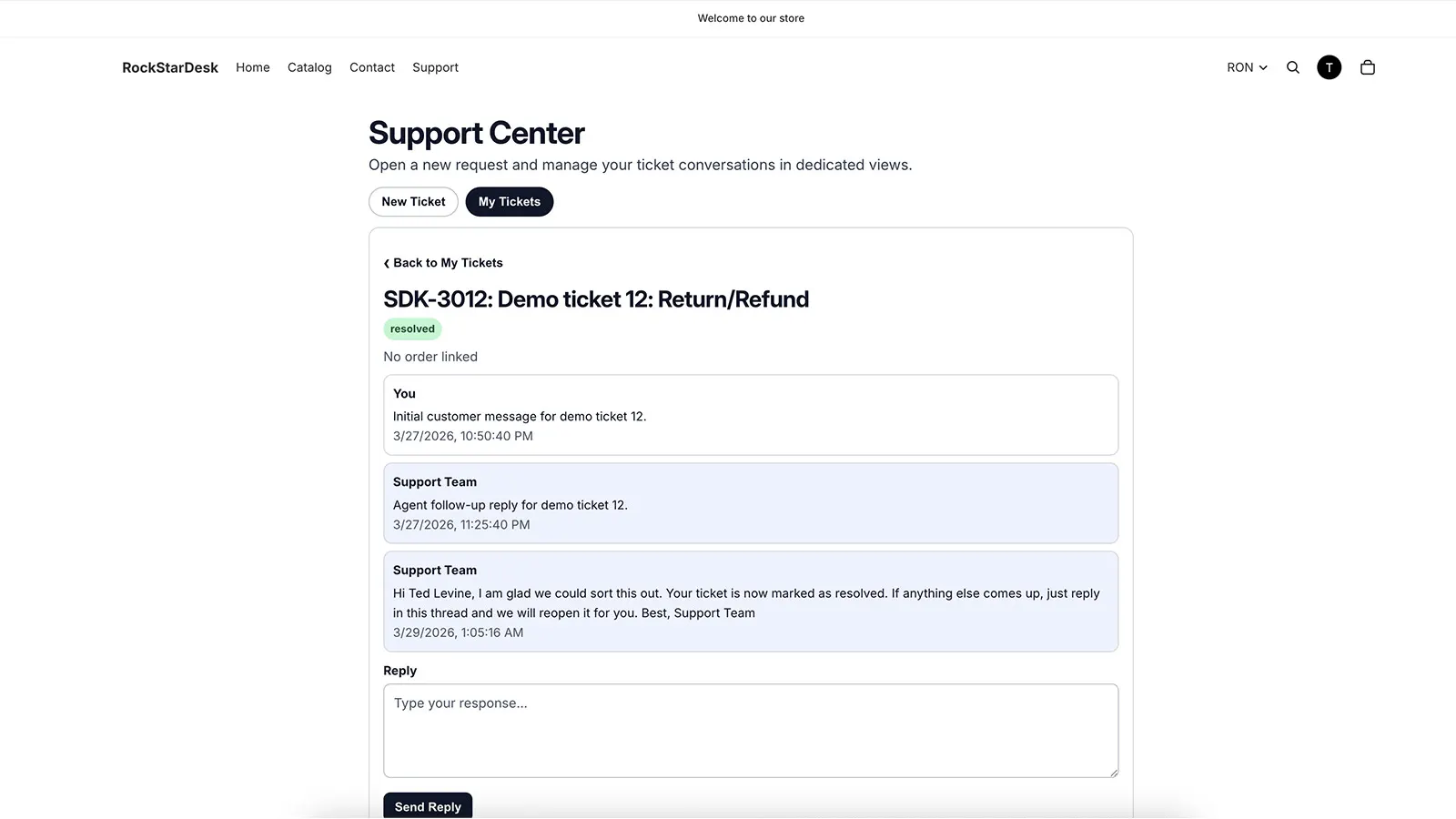
- Use New Ticket to open a request and My Tickets to follow existing conversations.
Optional Direct Links
Section titled “Optional Direct Links”- New ticket tab: Support Center - New Ticket
- Ticket history tab: Support Center - My Tickets