RockStarDesk Simple Support
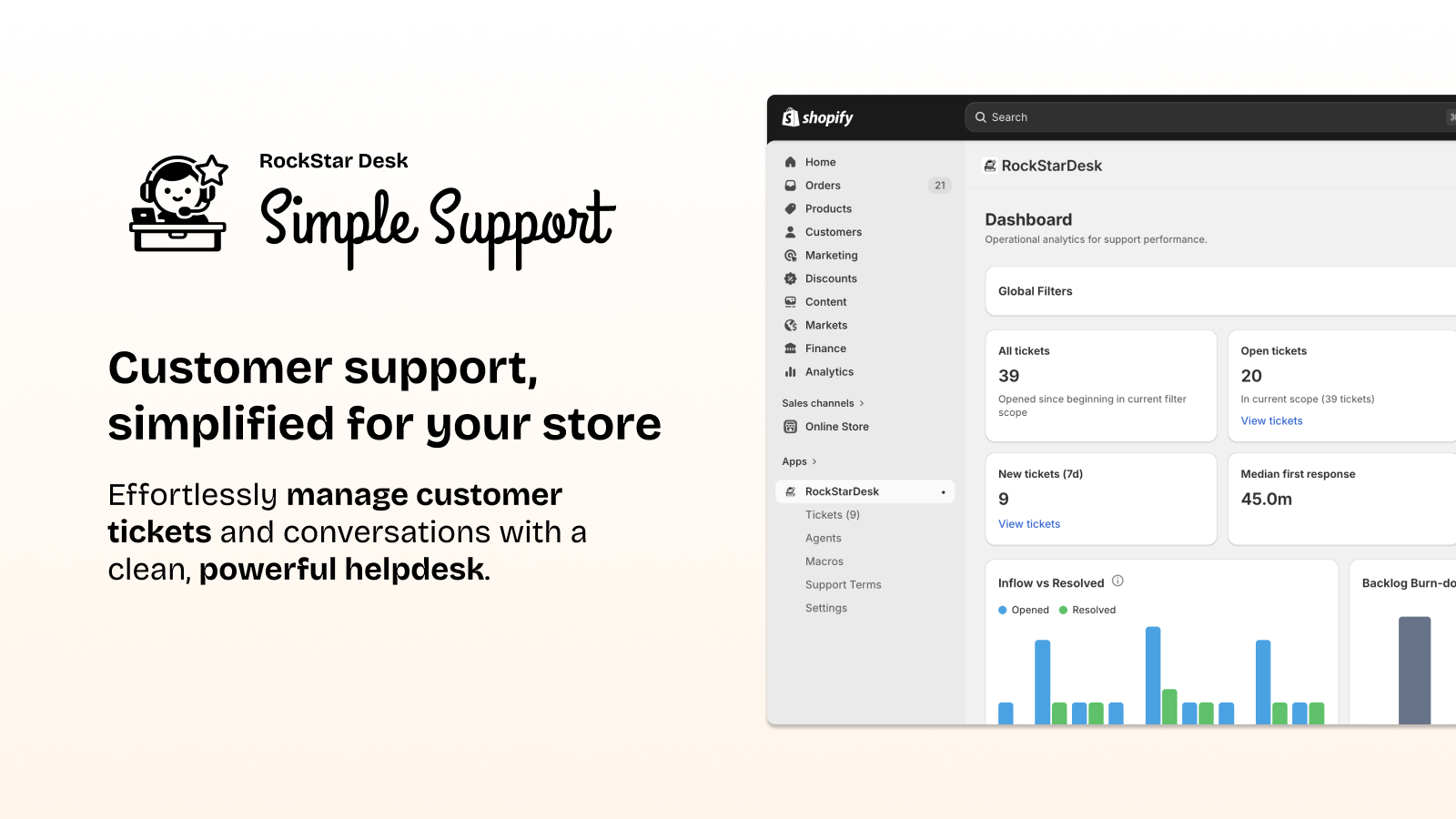
RockStar Desk - Simple Support helps merchants run customer support without leaving the Shopify ecosystem.
It combines a clean, easy-to-use ticket workspace for agents with practical controls for managers: saved views, quick filters, macros, assignment rules, internal notes, timeline events, and performance dashboards.
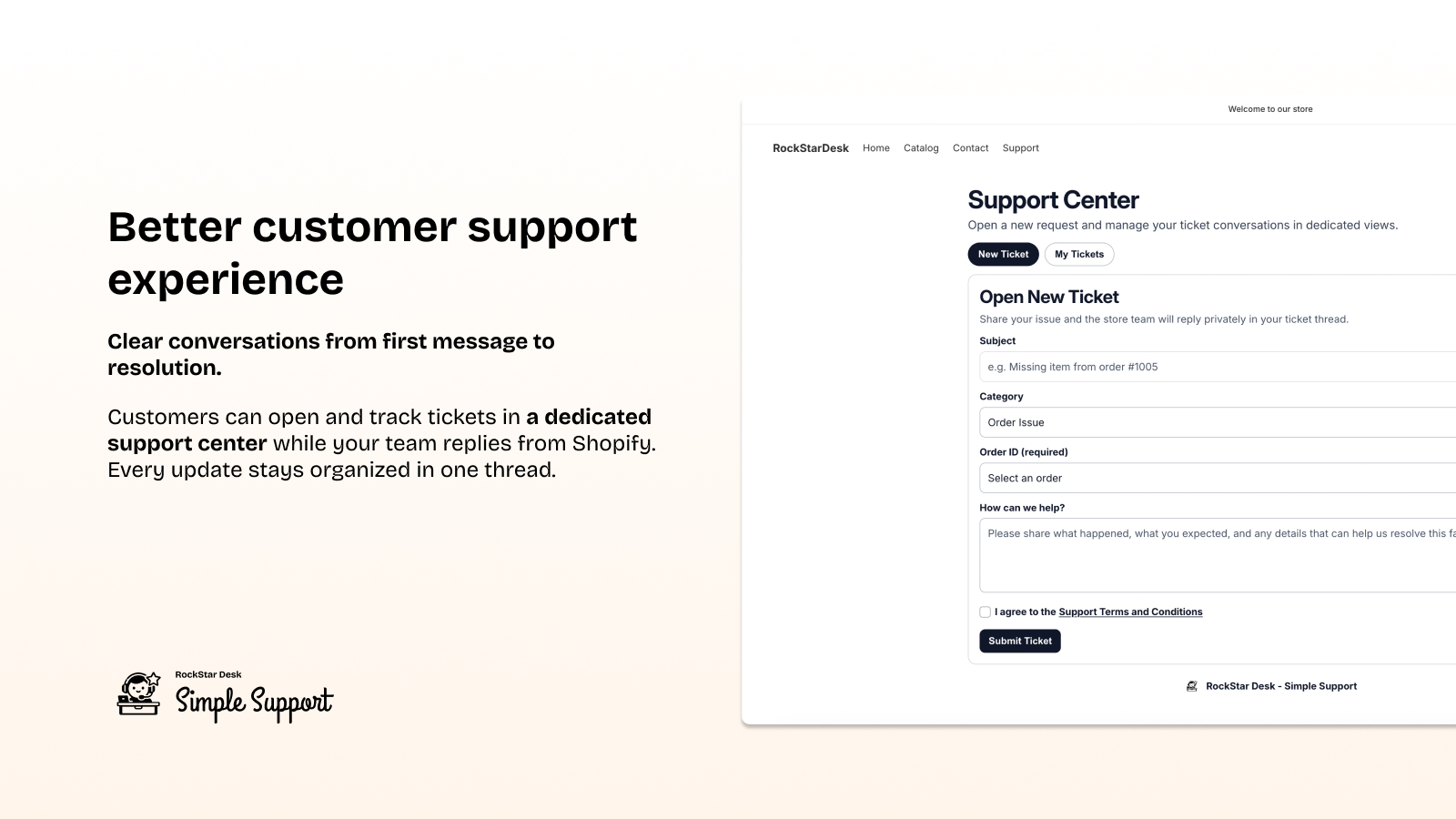
Customers get a dedicated support center to open and follow tickets, while your team handles every conversation in Shopify Admin with full context.
The result is faster replies, clearer ownership, and a support operation that is simple to adopt, powerful in daily use, and efficient as your store grows.
Why Merchants Choose RockStarDesk
Section titled “Why Merchants Choose RockStarDesk”Support that lives inside Shopify
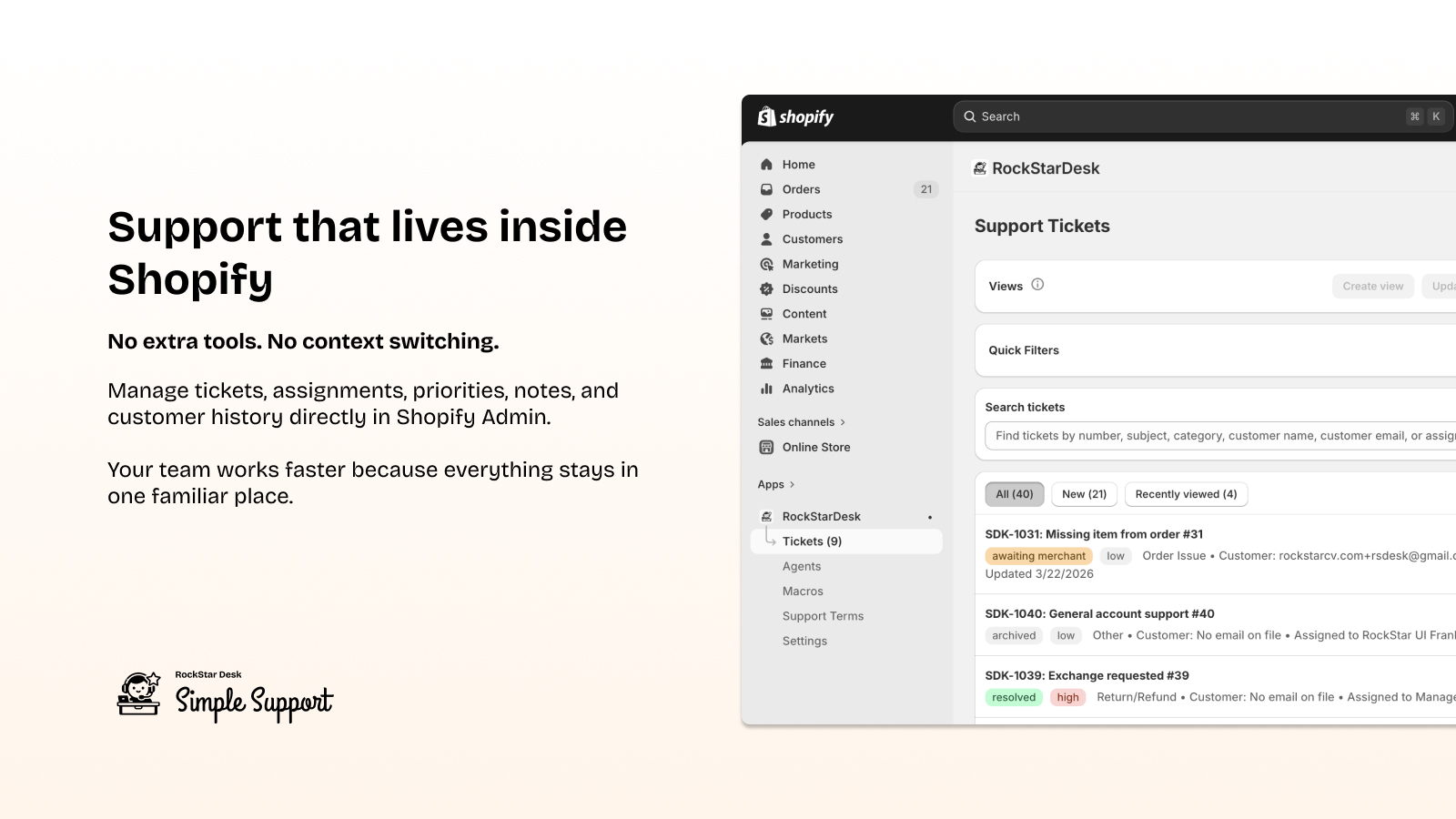
Section titled “Support that lives inside Shopify”No extra tools. No context switching.
Manage tickets, assignments, priorities, notes, and customer history directly in Shopify Admin. Your team works faster because everything stays in one familiar place.
Keep support in your Shopify workflow.
Simple for agents. Powerful for managers.
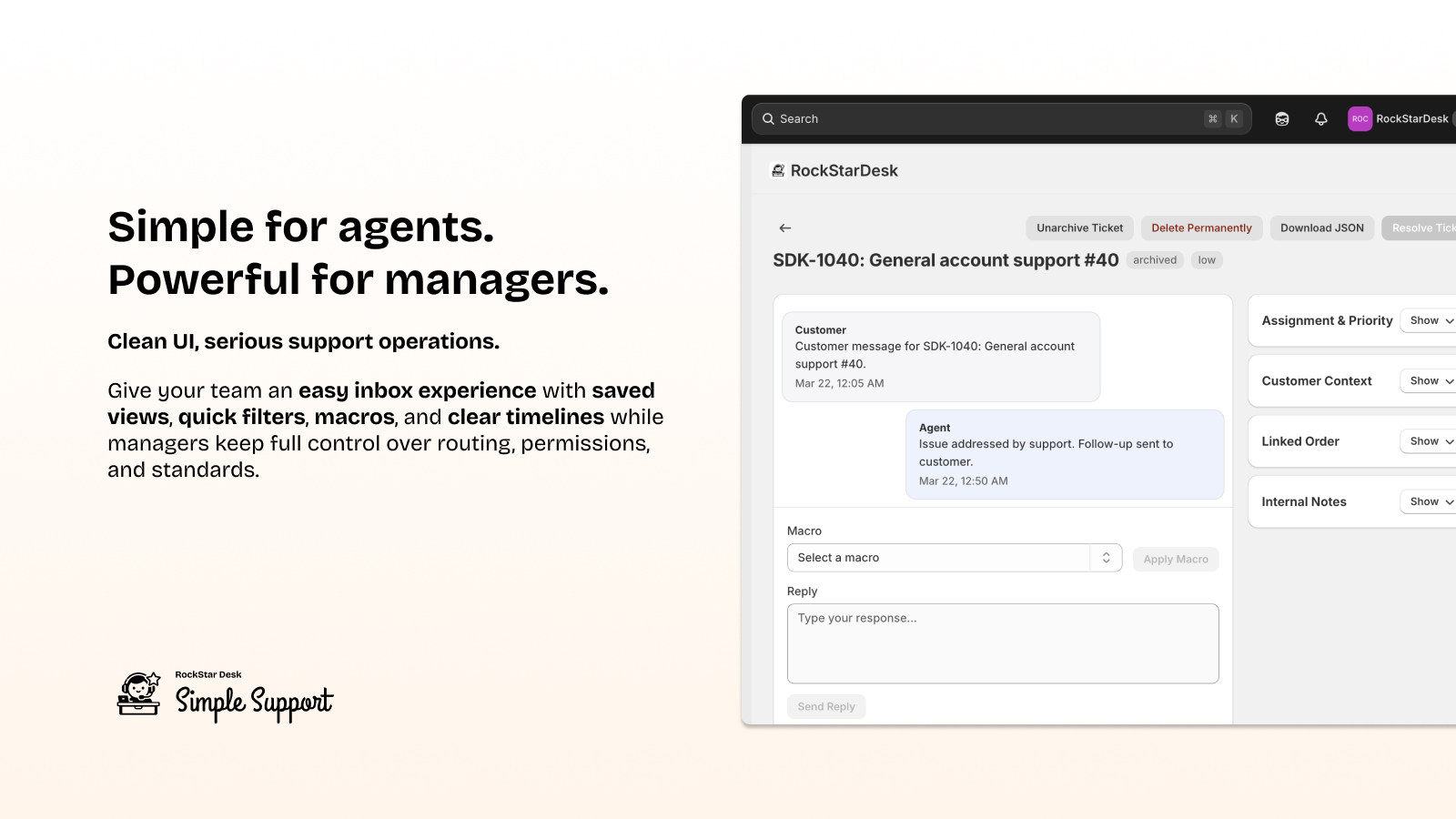
Section titled “Simple for agents. Powerful for managers.”Clean UI, serious support operations.
Give your team an easy inbox experience with saved views, quick filters, macros, and clear timelines while managers keep full control over routing, permissions, and standards.
Upgrade to support that is easy to run.
Resolve tickets faster
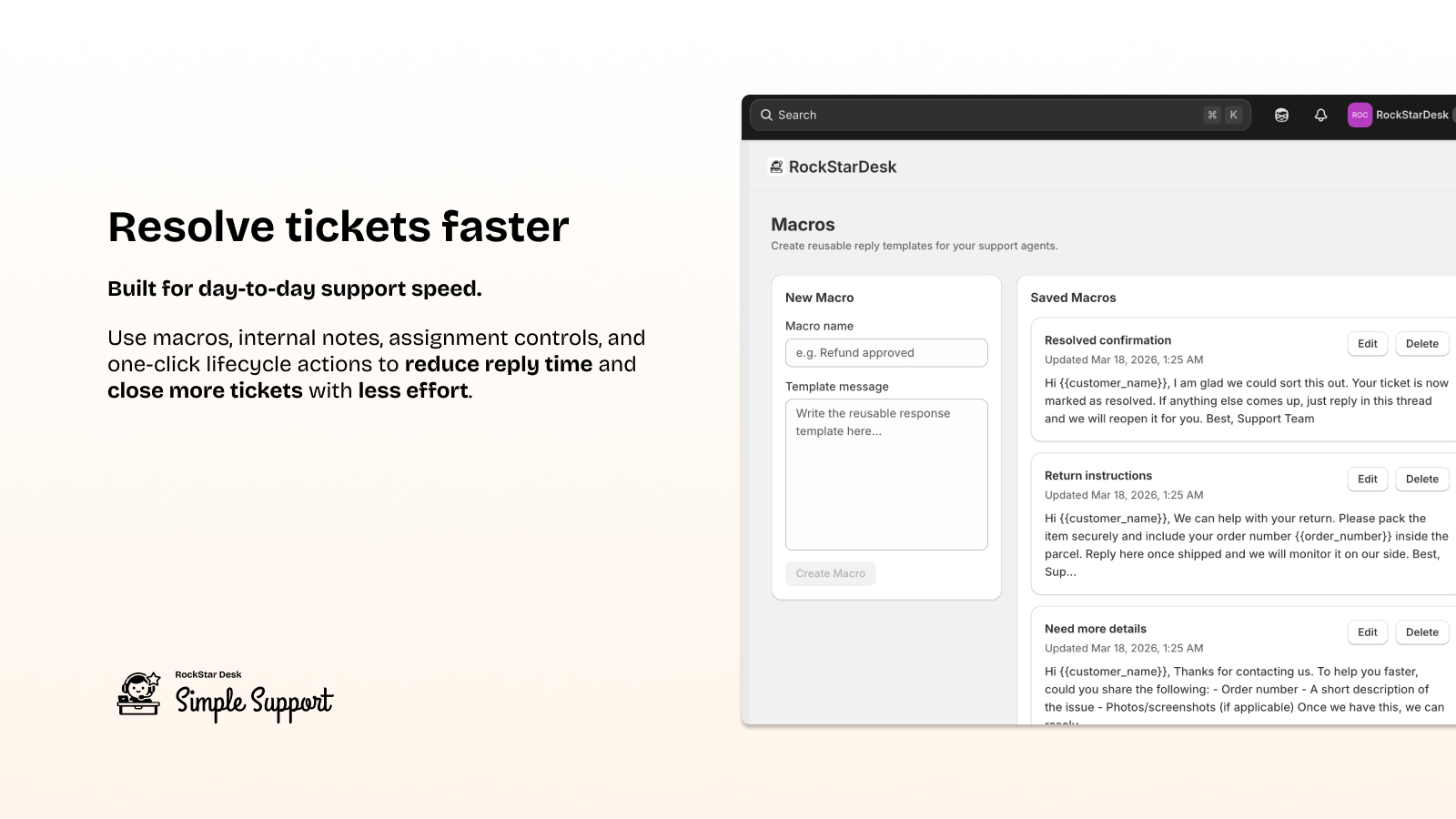
Section titled “Resolve tickets faster”Built for day-to-day support speed.
Use macros, internal notes, assignment controls, and one-click lifecycle actions to reduce reply time and close more tickets with less effort.
Speed up every support shift.
Better customer support experience
Section titled “Better customer support experience”Clear conversations from first message to resolution.
Customers can open and track tickets in a dedicated support center while your team replies from Shopify. Every update stays organized in one thread.
Deliver support customers trust.
Stay in control as you scale
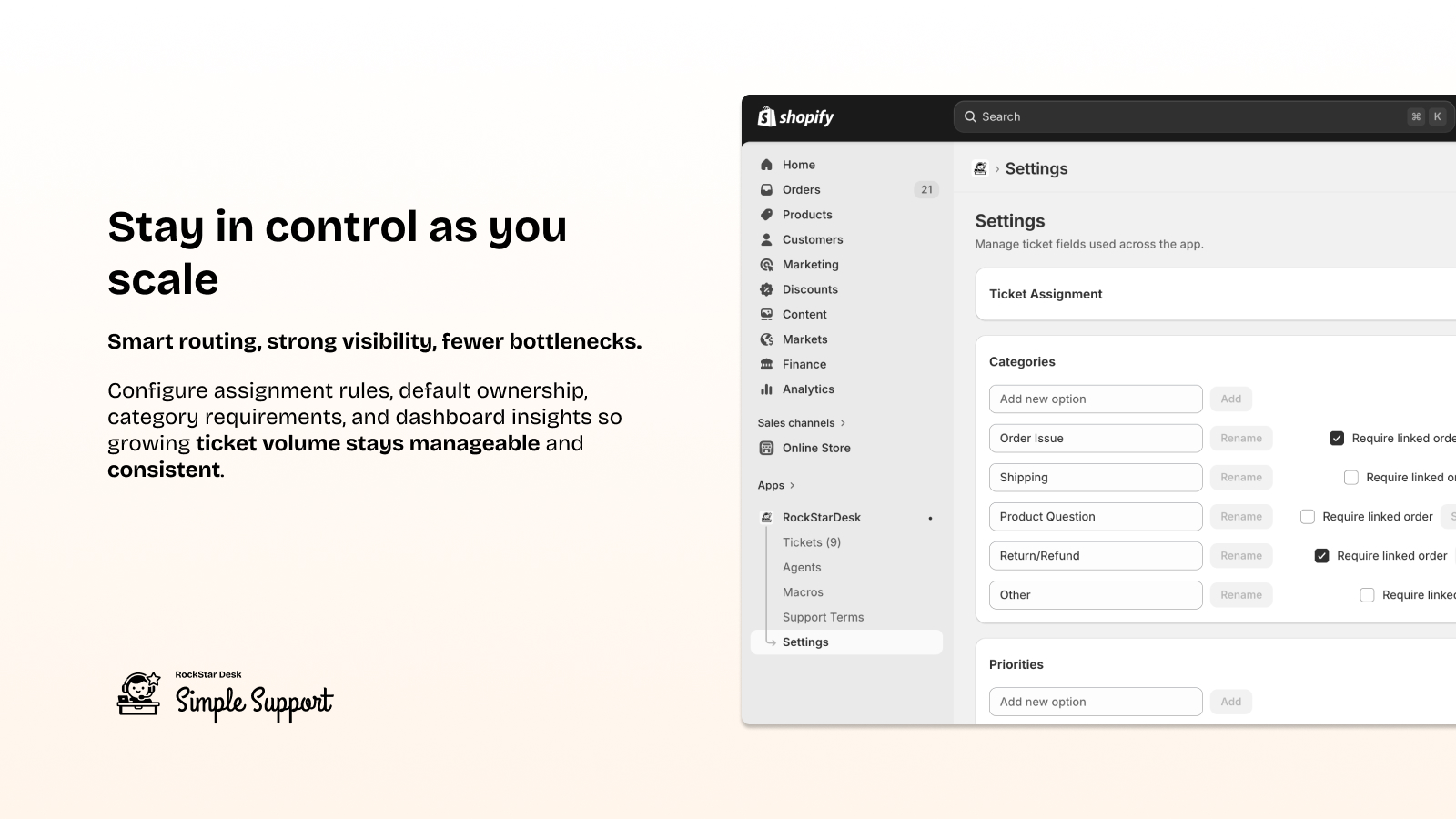
Section titled “Stay in control as you scale”Smart routing, strong visibility, fewer bottlenecks.
Configure assignment rules, default ownership, category requirements, and dashboard insights so growing ticket volume stays manageable and consistent.
Scale support with confidence.
For login instructions and test flow, see Demo setup and access.
- This documentation is based on current code behavior in the repository, not on intended future behavior.
- Each section file is designed for store owners and operators, with implementation-focused technical mapping where needed.
- Dashboard (Home)
- Tickets Inbox + Create Ticket (L2)
- Ticket Detail Workspace
- Agents
- Macros
- Support Terms and Conditions
- Settings (Ticket Fields + Assignment Rules)
- Customer Support Center (Storefront)
- Terms and Conditions
- Privacy Policy
Key Global Concepts
Section titled “Key Global Concepts”- Agent permissions: Most admin pages and actions are gated by per-agent permissions (manage agents, manage macros, reply, resolve, etc.).
- Ticket assignment engine: Assignment is resolved in this order: explicit assignee -> first matching active rule -> default assignee setting -> manager fallback.
- Customer communications: Customer email notifications depend on your store notification setup and valid customer email records.
- Saved views: Saved inbox views are persistent per agent and store filter state snapshots as JSON.
- Version refresh banner: The embedded app polls unread counts and app version. When server version changes, a refresh banner appears.